
Description
🎯 Overview
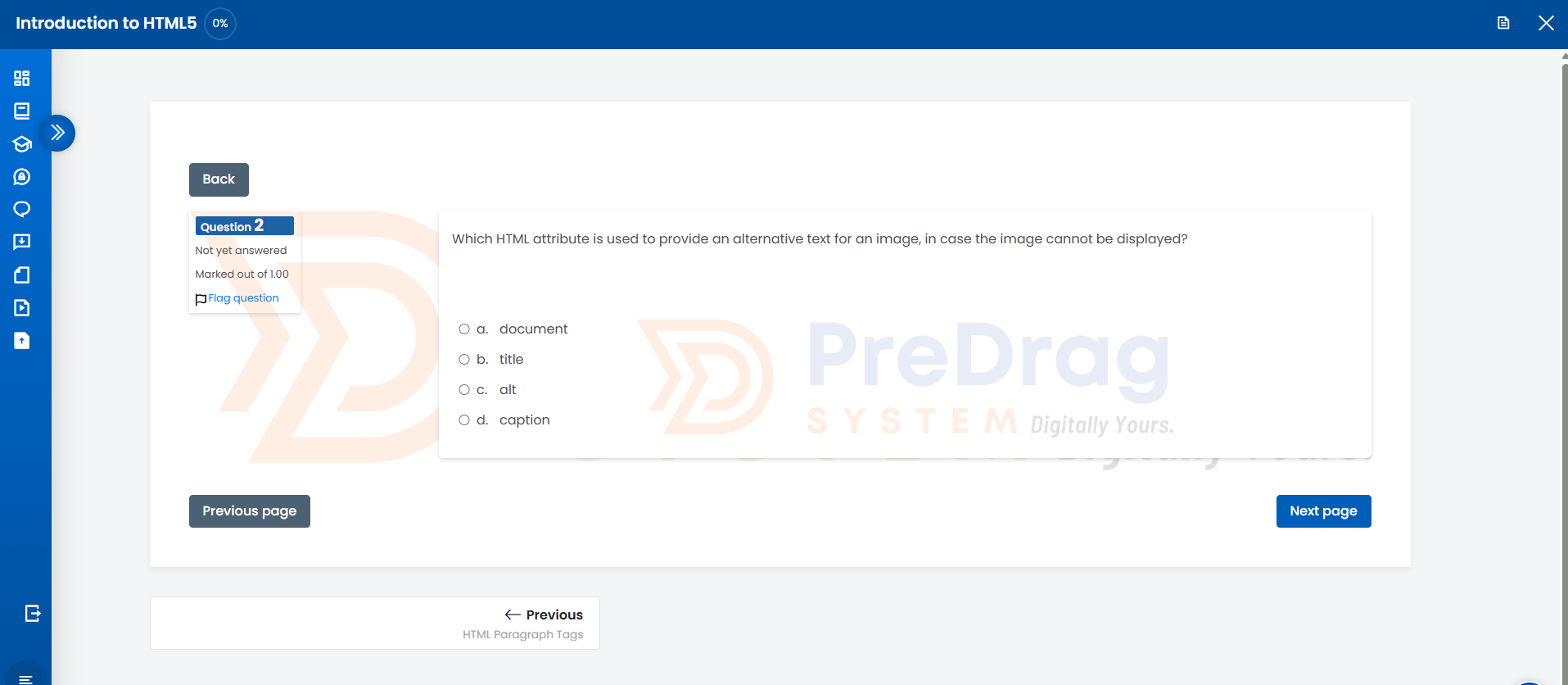
Quiz Background Watermark is a Moodle quiz access rule plugin that enhances quiz security and branding by adding a configurable watermark or background image to quiz attempt pages.
It allows institutions to display their logo or custom watermark across quiz content, helping discourage unauthorized sharing while maintaining a clean and readable interface.
🚀 Key Features
- 🖼️ Watermark / Background Image
- Upload a logo or image from admin settings
- Display across entire quiz or per question area
- 🎛️ Custom Opacity Control
- Adjust transparency to ensure readability of questions and answers
- 🔒 Basic Security Controls
- Disable right-click on quiz pages
- Attempt to block developer tools shortcuts (client-side deterrent)
- 🎯 Flexible Display Options
- Apply watermark globally or only within question/answer sections
- ⚡ Lightweight & Seamless Integration
- Works with standard Moodle quiz interface
- No changes required per quiz
💡 Use Cases
- Add institutional branding to quiz pages
- Discourage screenshot sharing of exam content
- Create a more controlled and professional exam environment
- Enhance LMS visual identity
🧩 How It Works
Once installed and configured:
- The administrator uploads a watermark image.
- The plugin automatically applies the watermark to all quiz attempt pages.
- Optional security settings (like disabling right-click) are enforced during quiz attempts.
No per-quiz configuration is required.
⚙️ Configuration
Navigate to:
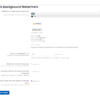
Site administration → Plugins → Activity modules → Quiz → Background Watermark
Available settings:
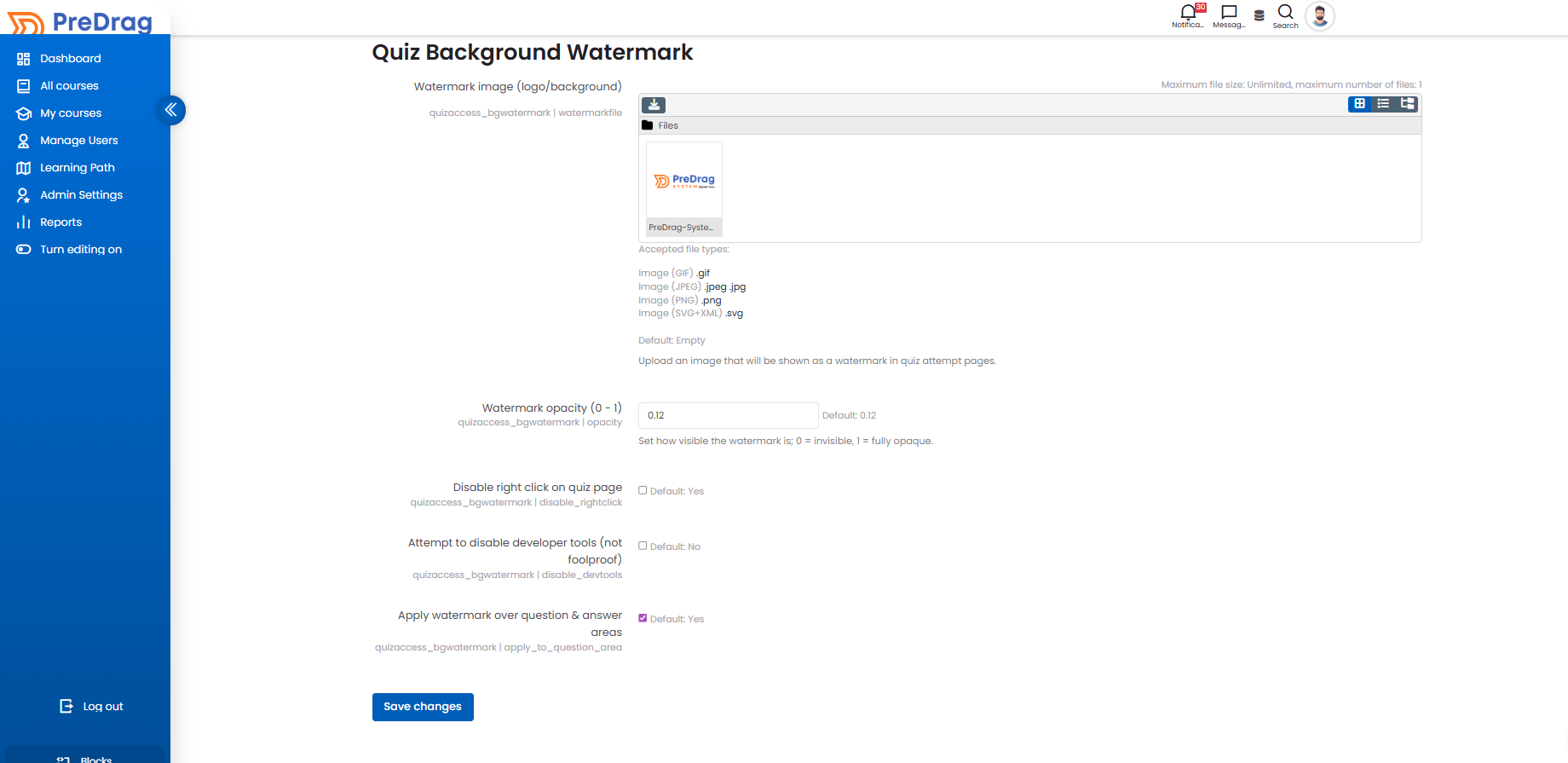
- Upload watermark image
- Set opacity level
- Enable/disable right-click restriction
- Enable/disable developer tools restriction
- Choose where watermark is applied
🔐 Security Disclaimer
This plugin provides client-side deterrents only and is intended to discourage casual misuse.
- It does not fully prevent screenshots or external recording
- Developer tools restrictions can be bypassed by advanced users
- For high-stakes exams, consider using additional solutions such as:
- Safe Exam Browser (SEB)
- Proctoring tools
🧪 Compatibility
- ✔ Moodle 4.0 and later
- ✔ Tested on Moodle 4.4
- ✔ Compatible with MySQL and PostgreSQL
🔒 Privacy
This plugin does not store, process, or transmit personal data.

Reviews
There are no reviews yet.